Running the application
After installation, the application icon will appear in the menu.

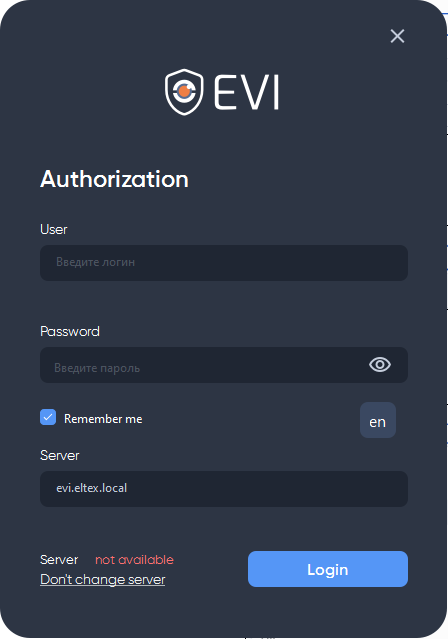
Run the application and wait for the window to appear for entering the user name and password.
Connecting to the server
Standard login and password for the Security role:
The security user is created immediately after installing the EVI Platform. Before authorizing, add a view with cameras for this user via the administrator account.
User — security;
Password — password.

Remember me
To save your login and password in the authorization form for subsequent logins, use the Remember me checkbox.
When connecting, click Change server and enter the address of the server on which the EVI Platform is installed in the field that appears.
Closing the program
To close the program, click on the cross icon in the upper right corner of the window.
User change
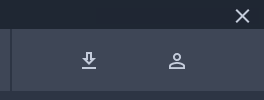
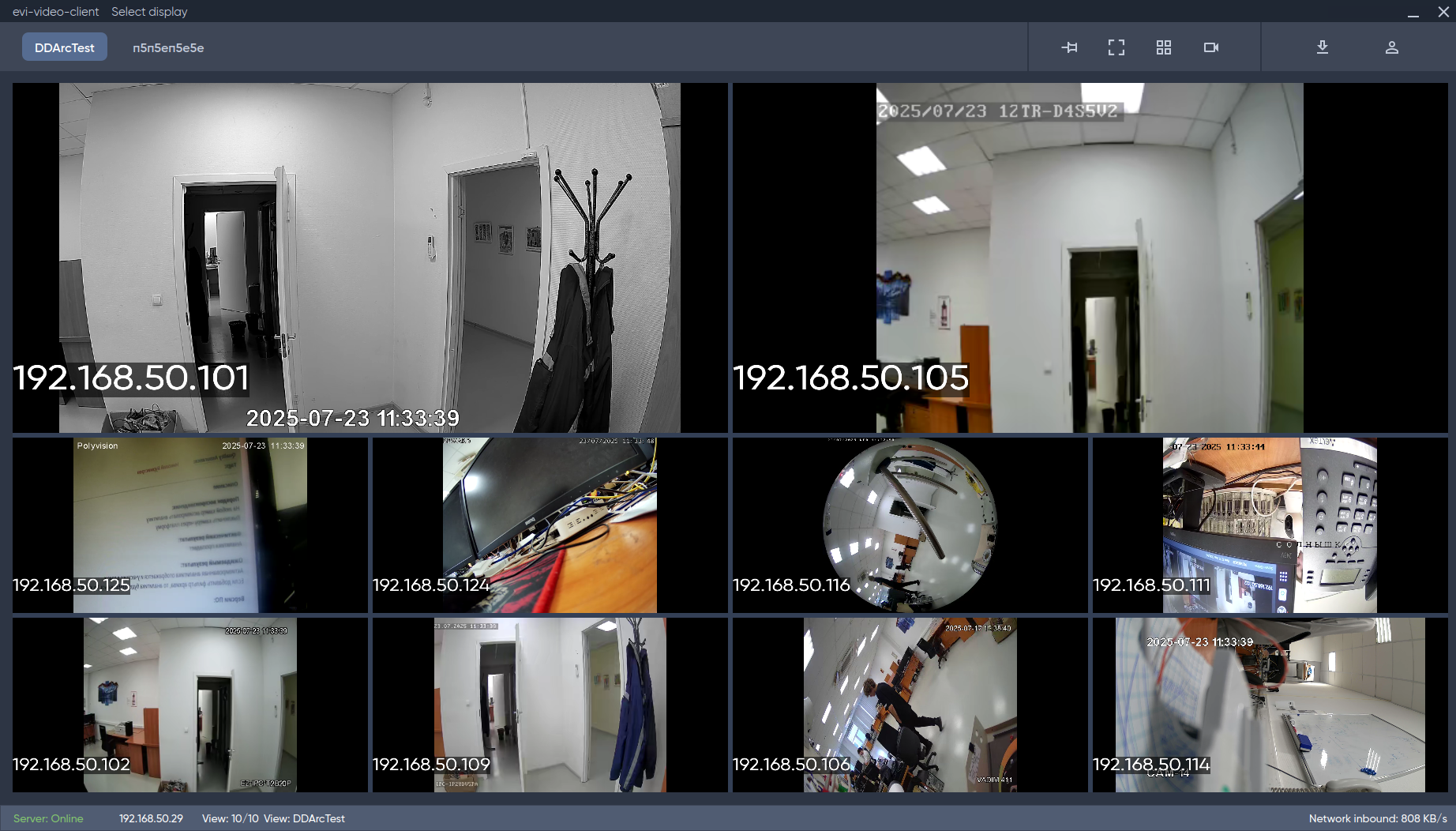
To change the account, click on the user icon.
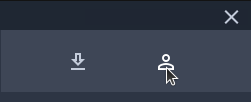
Then select Log out of account.
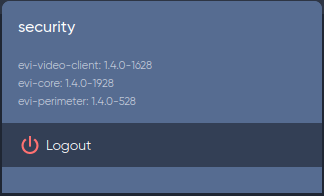
Confirm the action by clicking the Logout button.
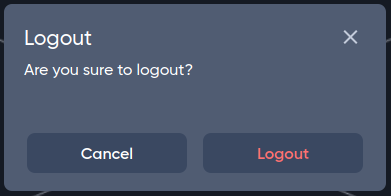
After clicking, an authorization window will appear.
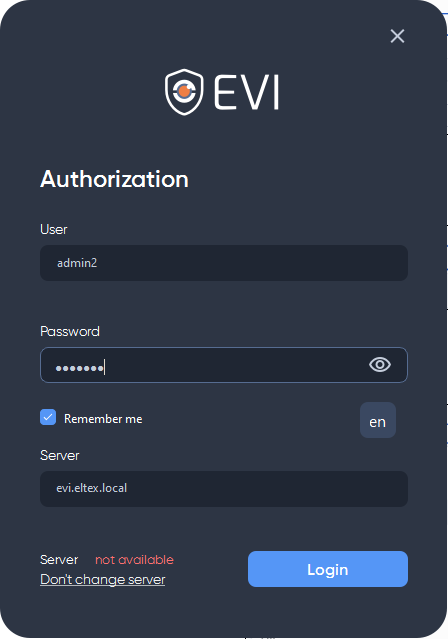
Click the Login button to log in.
The client language has been changed. The settings are saved in the configuration, and the client will use the selected language the next time it is opened.