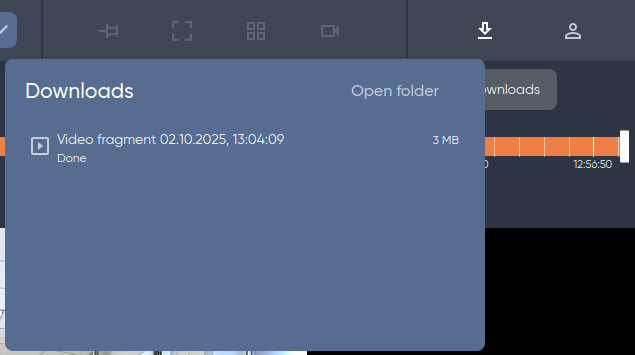
By default, all videos and images are saved to the Downloads folder on the computer where the client is installed.
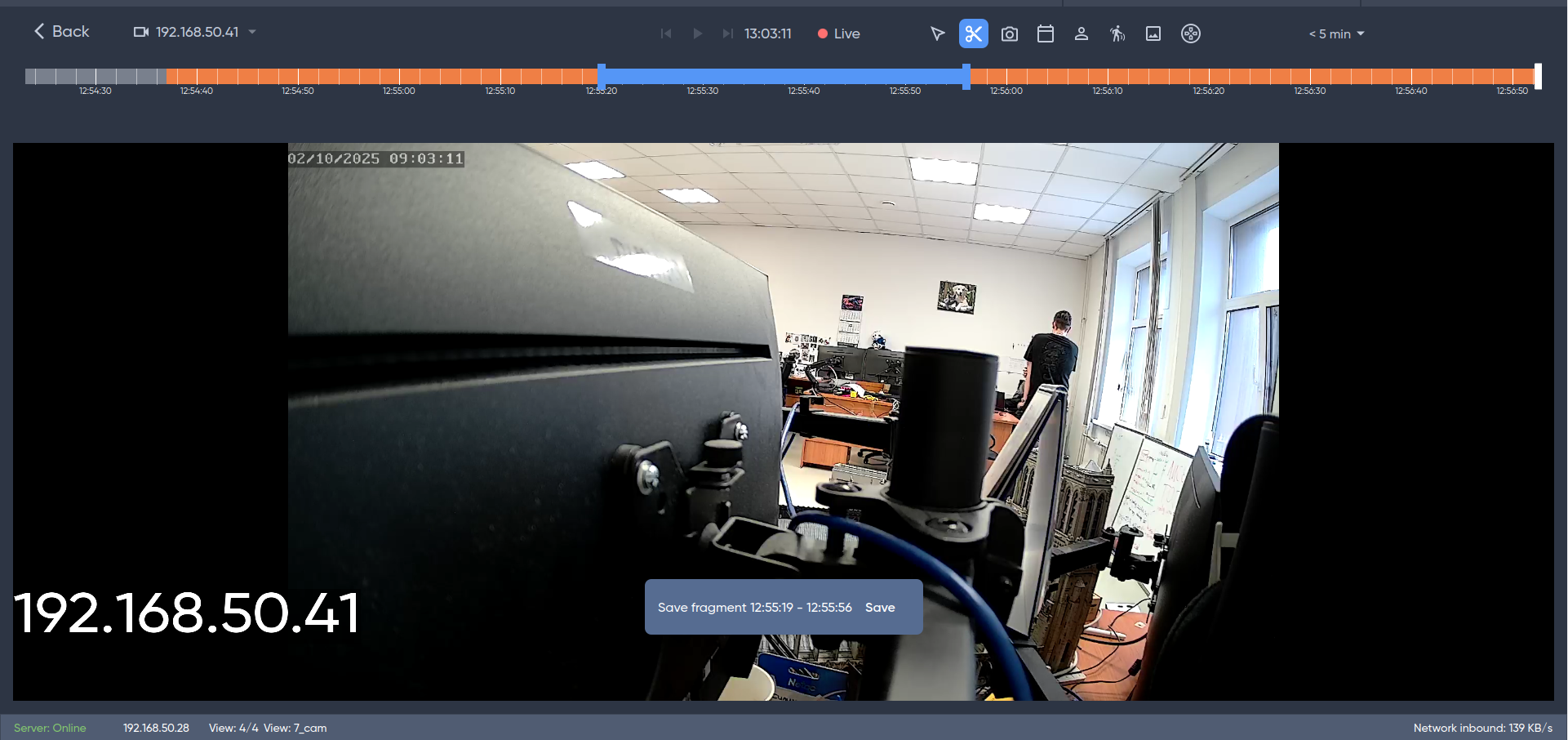
Select the Save fragment tool in the toolbar above the timeline.

When hovering over the timeline, the cursor will turn blue. Mark the start and end points on the timeline to save, then click Save at the bottom of the screen.
Saving is only possible within a single segment/fragment of the video.
The download history for the active session is stored in the downloads window.