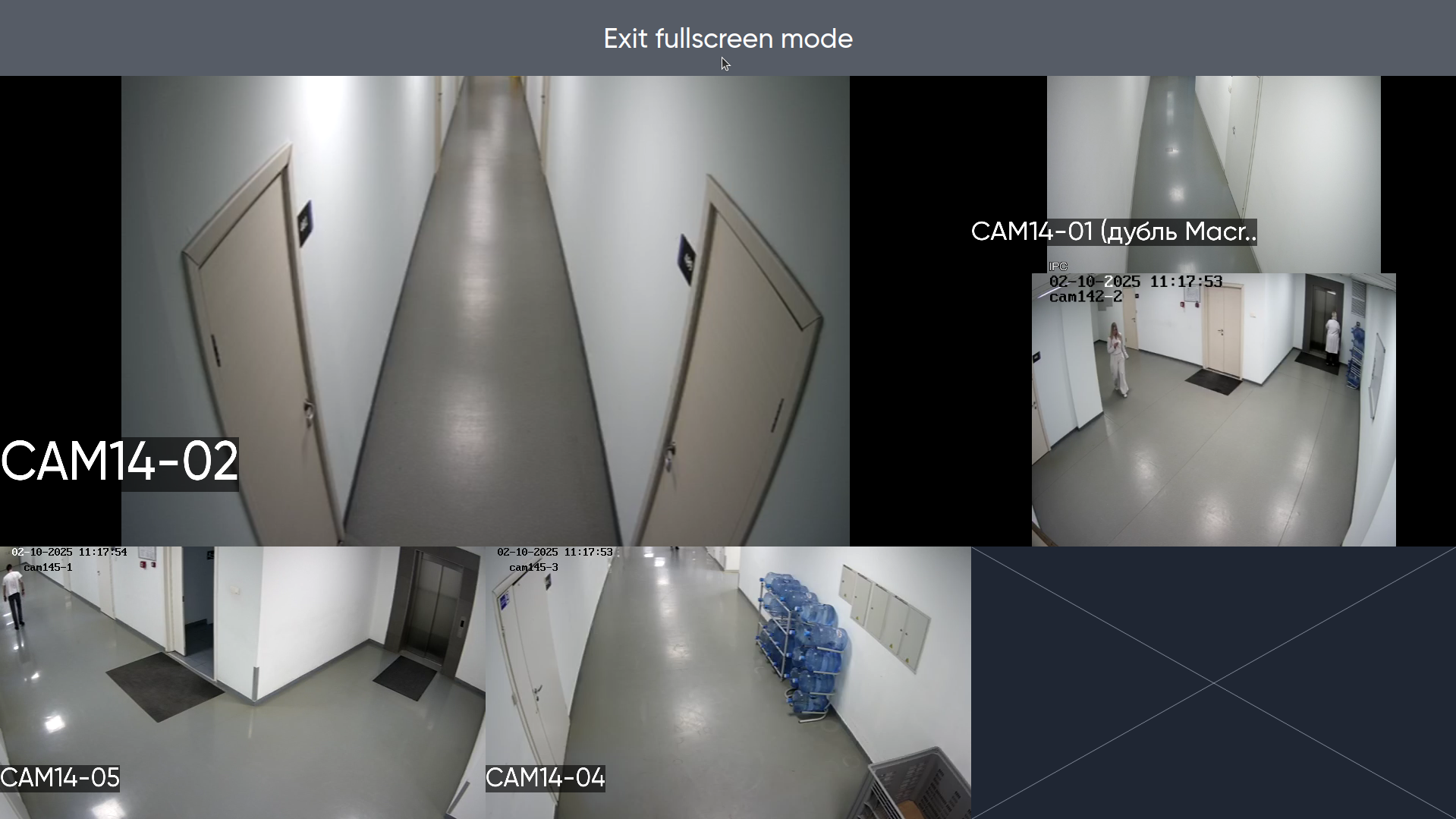
To switch to fullscreen camera view, press the Enter key on your keyboard or click the icon in the upper right corner of the view panel.

After pressing, all cameras from the current view will open in full screen mode. To exit this mode, use the Esc key on the keyboard.
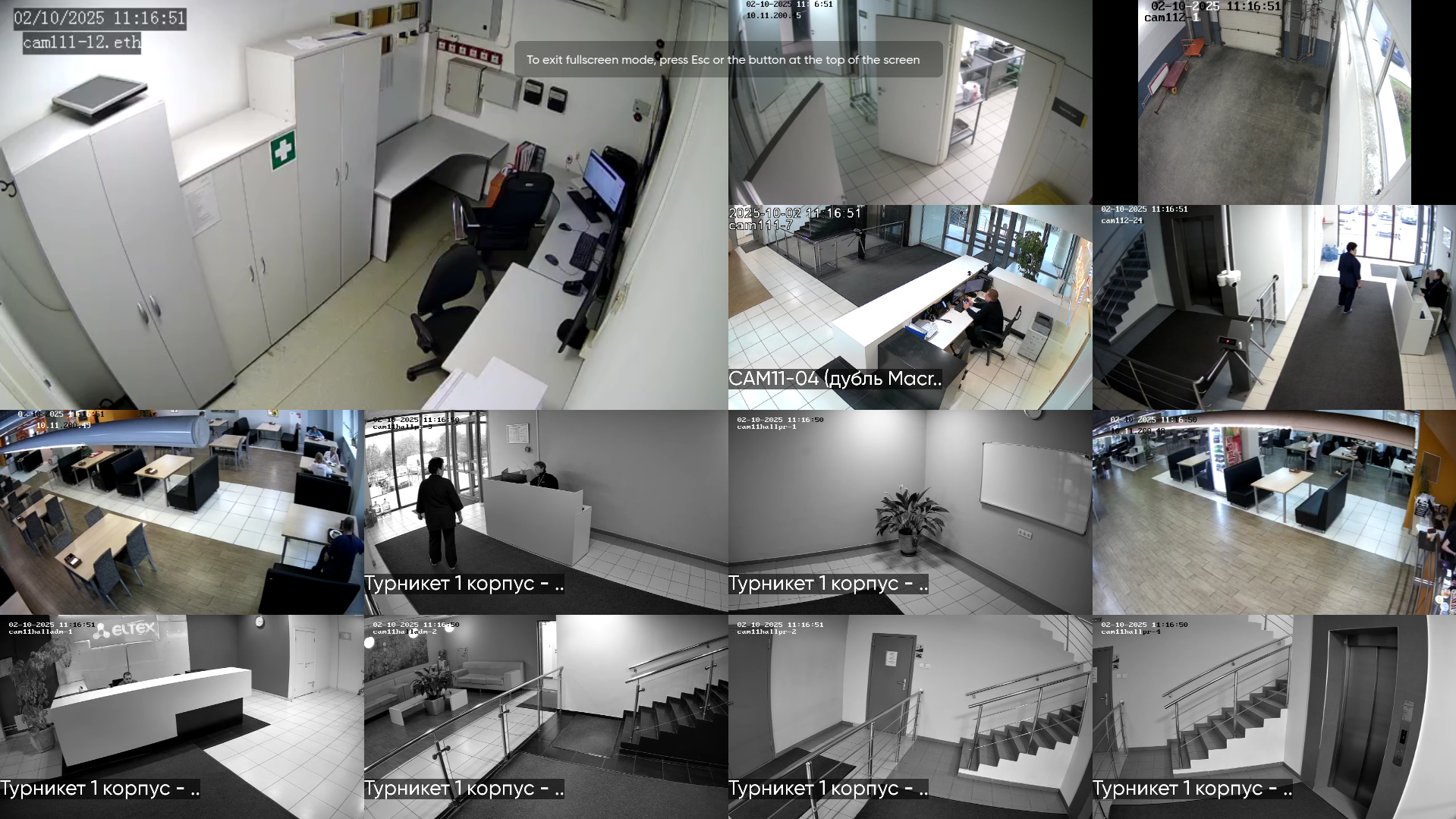
Also in fullscreen mode, it is possible to exit by pressing the pop-up button. To do this, move the cursor to the top of the screen and press the right mouse button.
The pop-up button is only available in the Linux version of the client.