Version 1.2.1
Support for processing user groups from Active Directory using group SIDs
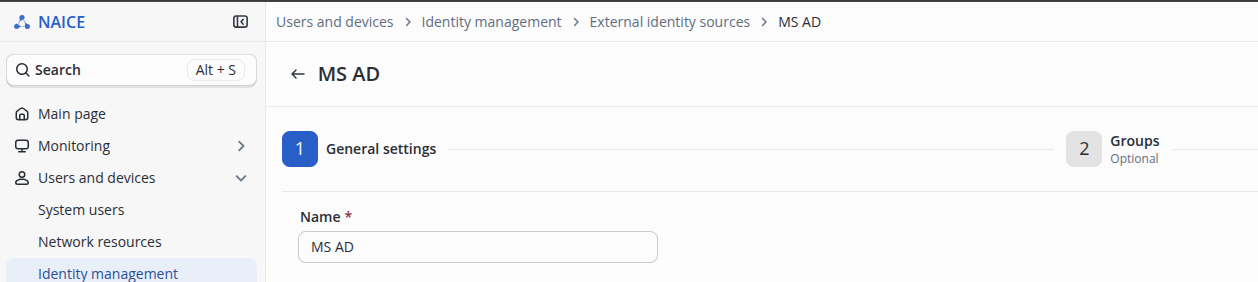
Starting with version 1.2.1, the logic for processing user groups from an external data source of the ACTIVE_DIRECTORY type has been revised. After the update, synchronize the SIDs of the groups added to the source on the Groups page in the identity source settings:
Click the  button.
Until synchronization is performed, group processing in authorization policy conditions will not work.
If NAICE login using Active Directory credentials was configured previously, make sure before the update that you can log in using a local account that will allow you to synchronize the groups.
If it is necessary to restore the default local administrator account (admin), follow the instructions: v1.2_2.4 Restoring the administrator account.
Groups of the BuiltIn type in Active Directory are excluded from processing under the new group processing logic.
If such groups are used in authorization policy conditions, reconfigure the policies and discontinue their use.
Version 1.2.0
Settings management moved to the GUI
This section provides a list of changes introduced in version 1.2.X that will require reconfiguration after the update if values other than the default values were previously used.
This is due to the fact that these settings have been moved to the Configuration Manager and will subsequently be stored in the database. Reconfiguration of these settings will not be required after future updates.
Moving security and RADIUS certificates to the Configuration Manager
Starting with version 1.2, security certificates (for the web interface and portal) and RADIUS certificates (EAP-PEAP and EAP-TLS) can be managed through the system GUI (see System Settings → Certificate Store → Server Certificates).
If custom certificates were configured using environment variables in version 1.1 or earlier, they must be reinstalled through the NAICE GUI after upgrading to version 1.2.X: v1.2_3.8 Using security certificates and v1.2_3.12 Updating/replacing RADIUS certificates for EAP-PEAP/TLS.
These actions only need to be performed once. The installed certificates will be preserved during subsequent upgrades.
Moving the management of two computer credentials in a high-availability configuration for Active Directory interaction to the GUI
Starting with version 1.2, it is possible to configure two computer credentials associated with a NAICE node in a high-availability configuration. These settings will not be migrated to the database during the upgrade. After the upgrade, manually add the computer credential information in Users and Devices → Identity Management → External Identity Sources.
Captive Portal
Starting with version 1.2, the CAPTCHA difficulty level setting has been moved from the .env environment variables to the portal builder. For existing portals where the SMS Login authentication method was enabled, the CAPTCHA difficulty level is automatically set to medium during the upgrade. If you need to change the difficulty level or disable CAPTCHA, make the appropriate changes in the portal builder.
Changes to the PostgreSQL database image for stand-alone installation
For a stand-alone installation, the PostgreSQL database image has been changed to match the one used in a high-availability installation (using Replication Manager), which requires database migration.
Attempting to perform the upgrade by installing the new version of NAICE over the existing version will cause NAICE to become inoperable.
Ability to change docker subnet IP addressing using Ansible playbooks
Starting with version 1.2, it is possible to change Docker subnets using Ansible playbook variables. For more information, see v1.2_3.13 Changing Docker networks.
Before the upgrade, specify the current subnet addresses in the playbook, matching those configured previously. Otherwise, the upgrade will fail with an error.
Management addresses
In version 1.1 and earlier, access to the web management interface was provided through the host machine address specified during installation.
Starting with version 1.2, this restriction has been removed, and NAICE management can be accessed by default through any IPv4 address or the host's domain name on port 443. A mechanism has also been added to restrict the list of management addresses. This setting is available in System Settings → Security and Access → Login → Management Addresses.