Installation on Ubuntu 22.04
To run the installation script, run the following command:
Running the automatic deployment script
wget -q -O - --no-check-certificate https://archive.eltex-co.ru/evi-raw/evi-1.4.0/evi-1.4.0_install.sh | sudo bash
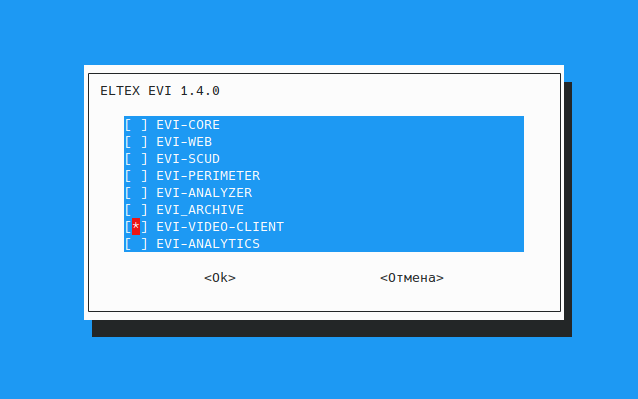
In the dialog box, select the item using the Space bar, then press Enter to confirm the installation.
- EVI-CORE, EVI-CORE-WEB, EVI-SCUD, EVI-PERIMETER, EVI-ANALYZER, EVI-ARCHIVE — the corresponding modules will be installed: evi-core, evi-scud, evi-core-web, evi-perimeter, evi-analyzer, evi-archive. For more information, see the Automatic installation on Ubuntu section;
- EVI-VIDEO-CLIENT — a desktop graphical Linux application will be installed.