Link to download installation files
To download the installation file, please click here.
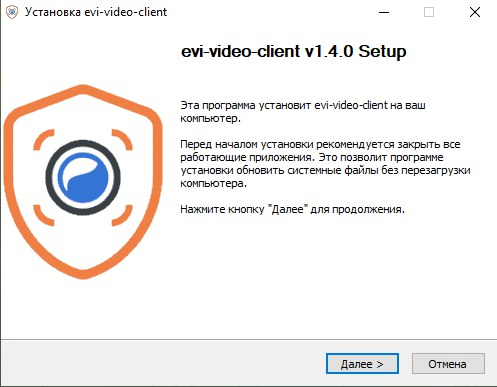
Run the installation program and click Next.
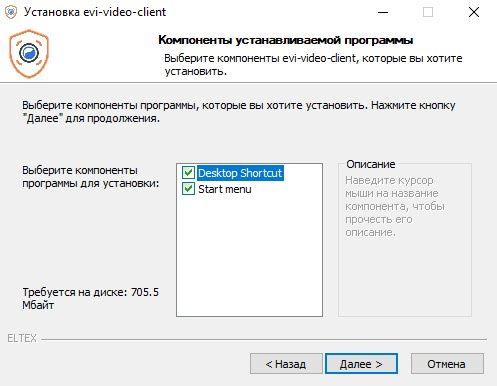
Select the necessary program components, click Next.
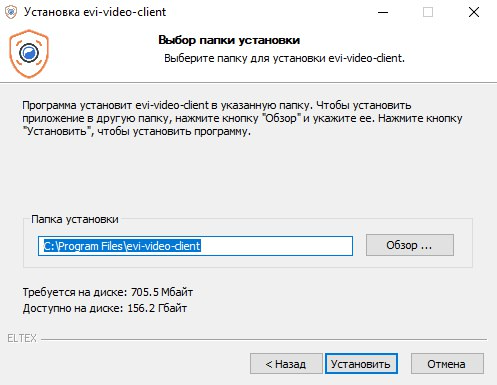
Select the installation folder and click Install. By default, the installation will be performed in C:\Program Files\evi-video-client.
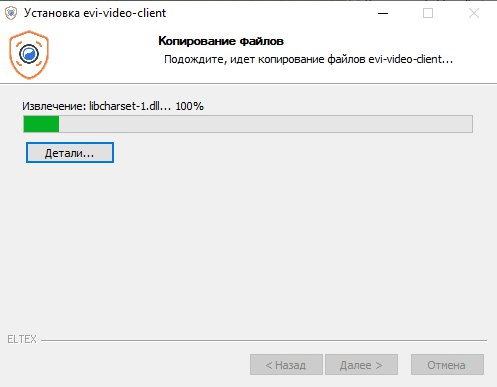
Wait until the installation is complete.
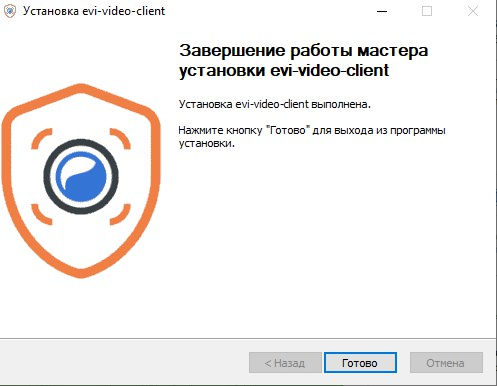
Click Done.