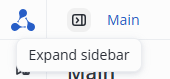
The Expand sidebar button opens a sidebar with sections.
The Collapse sidebar button reduces the panel to a compact view.
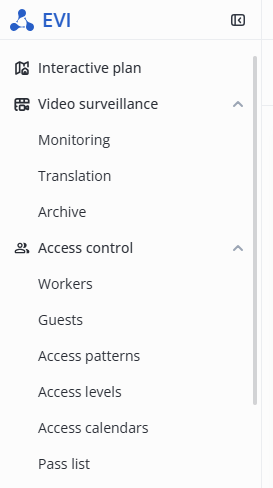
Each section in the sidebar can be expanded/collapsed by clicking the arrow next to the section title.
Interactive plan
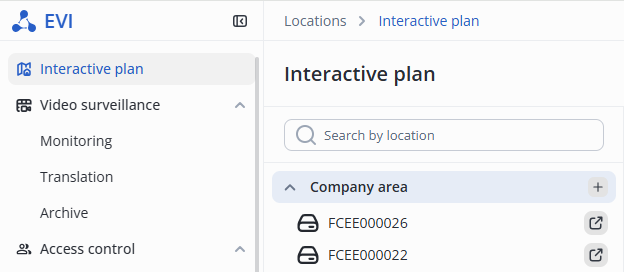
For more information on the configuration, see Interactive plan section.
Video surveillance
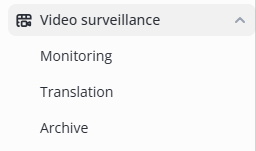
For more information on the configuration, see Video surveillance module section.
Access control
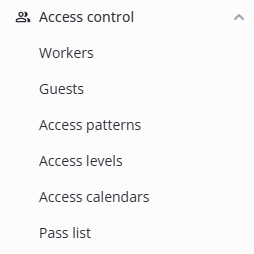
For more information on the configuration, see PACS module.
Video analytics

For more information on the configuration, see Video analytics module section.
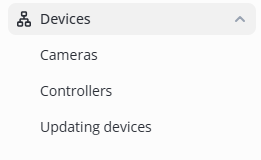
Devices
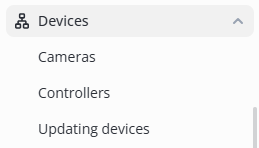
For more information on the configuration, see Controllers and Adding cameras sections.
Journals
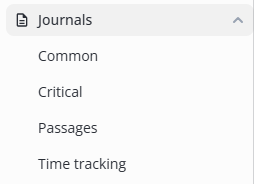
For more information on the configuration, see Common journal section.
Lists
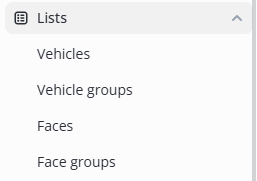 For more information on the configuration, see Lists section.
System settings
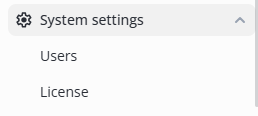
For more information on the configuration, see System users section.
Notifications
To disable notifications in the web interface, click the bell icon.

Notifications are turned off.

Profile
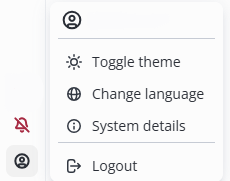
Changing theme
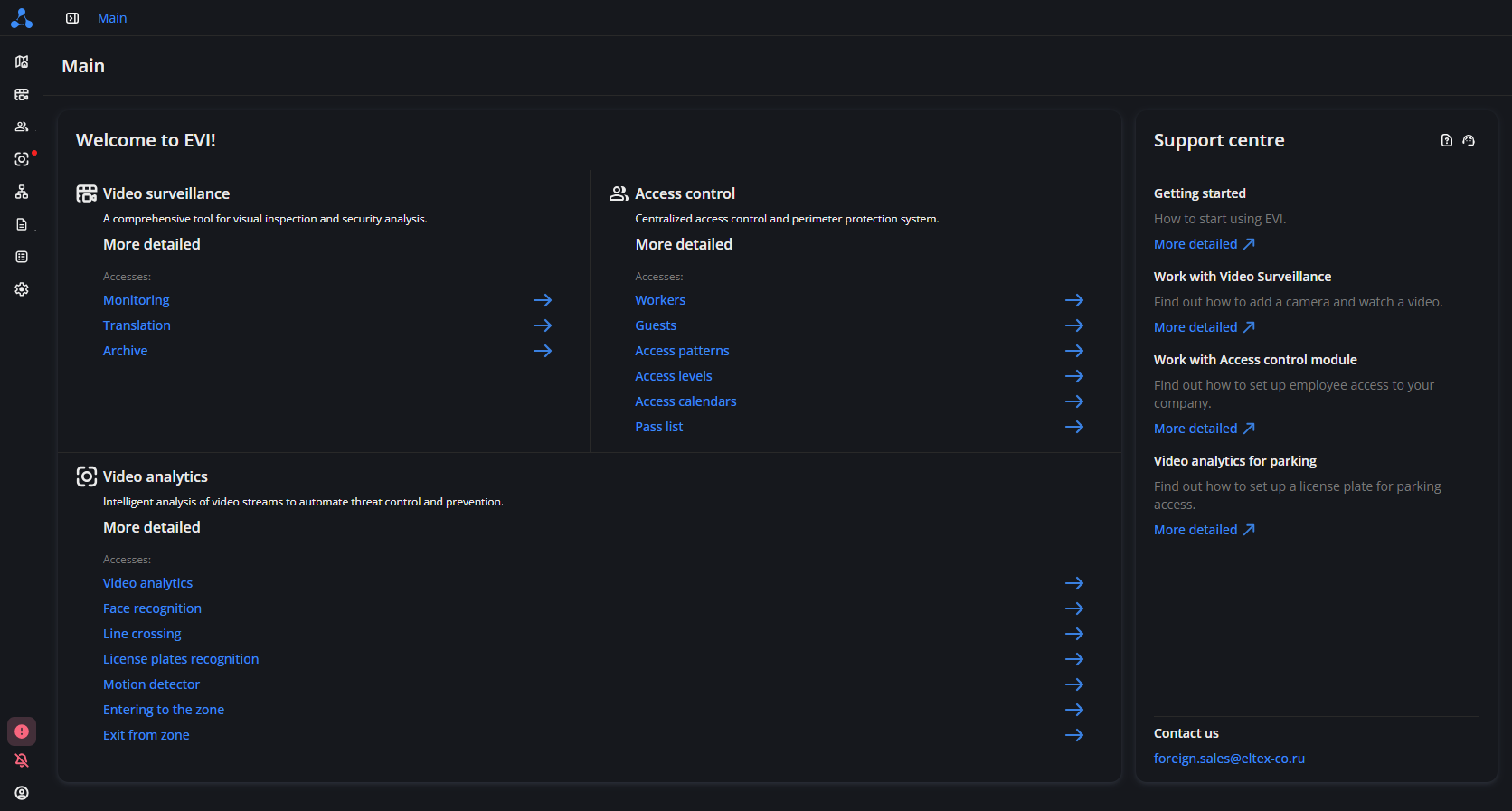
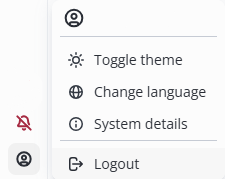
To change the theme of the web interface to a dark one, click the Toggle theme button.
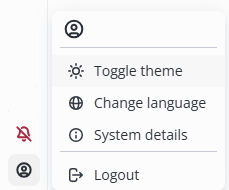
To change the theme of the web interface back to a light one, click the Toggle theme button again.
Changing the language
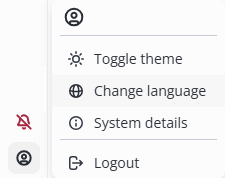
To change the interface language, click the Change language button.
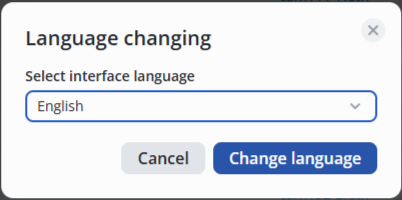
In the pop-up window, select the interface language from the drop-down list.
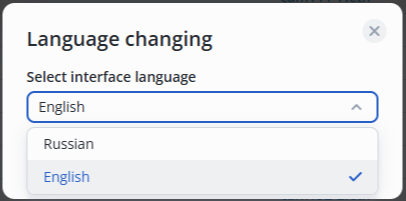
Click the Change language button.
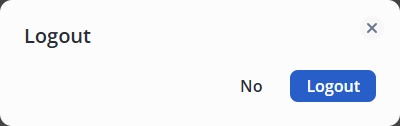
Logout
To log out of the user account, click the Logout button.
In the pop-up window, click the Logout button again.